WOWCube® Ecosystem
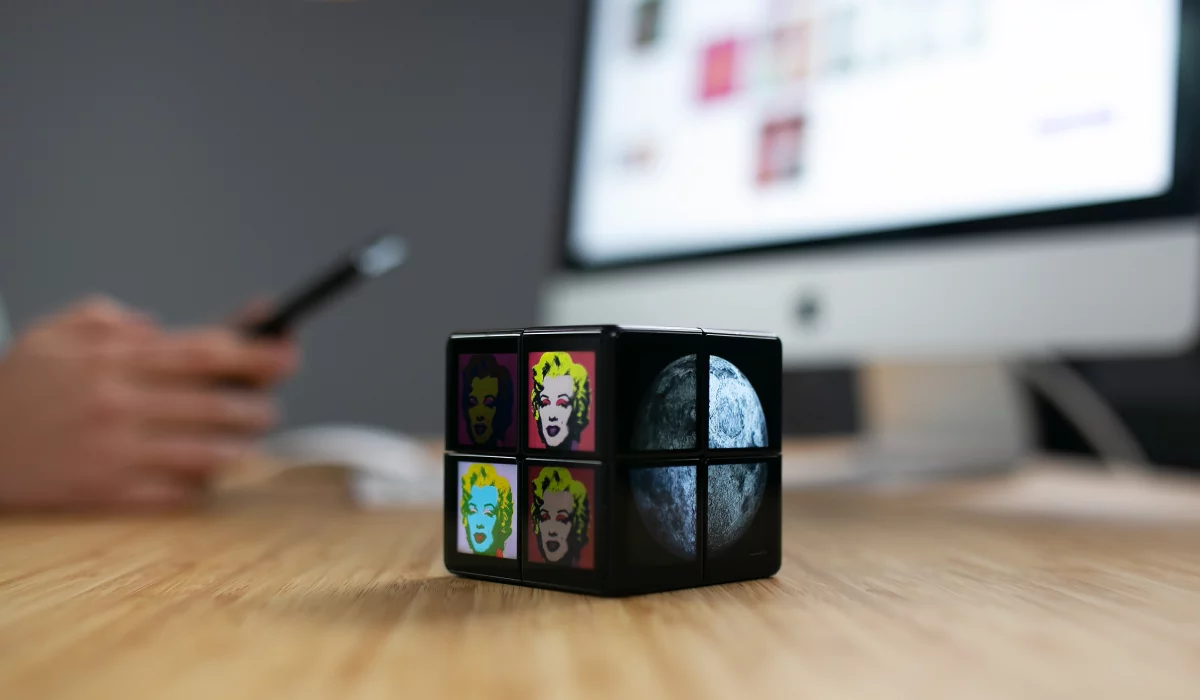
Can we create a ”2x2” cube that works much like the famous Rubik’s cube, but is computerized? Yes, we can! That’s right, screens on all 24 facets, and animated characters that can move between all sides of the cube while you twist it as you would a Rubik’s cube.

The WOWCube® Entertainment System is a complicated device that needs special tools to reach its full potential and be the most useful to all its users and society. That’s why the WOWCube® Team developed an ecosystem which offers a wide range of options for using the cube. And this is just the beginning.
DevKit
Let us begin with a simple description: the device is a computer that changes its geometry as the user plays a game. The game combines “real” physical and virtual realities: users physically twist and shake the cube, while the characters that move around all six sides of the cube exist in the virtual reality. What does this mean for, let’s say, a developer?
It means a lot: there are no development tools for such an environment. Of course, any game can be written using machine codes, but in the 21th century no developer should have to do that. So developers need a user-friendly DevKit, with libraries and APIs, and, of course, an OS to run them.
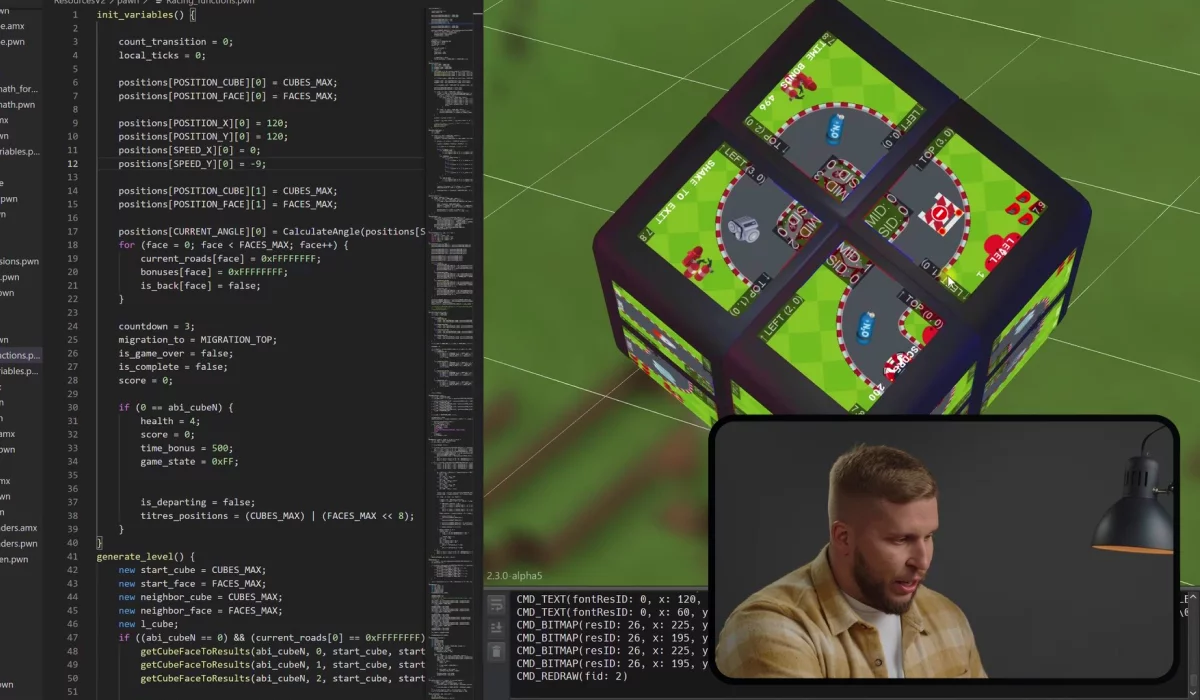
Sounds simple, right? Well, it isn’t. Think about it: we needed an OS that keeps track of the screen positions since the user can turn them relative to each other. We can’t use the off-the-shelf Ubuntu. After all, we have to handle 24 screens, changing geometry, and eight micro computers that work in a synchronized way.
Add to this features that allow game characters to move between screens, and you will understand why we need a specialized OS. But that’s only part of the story.
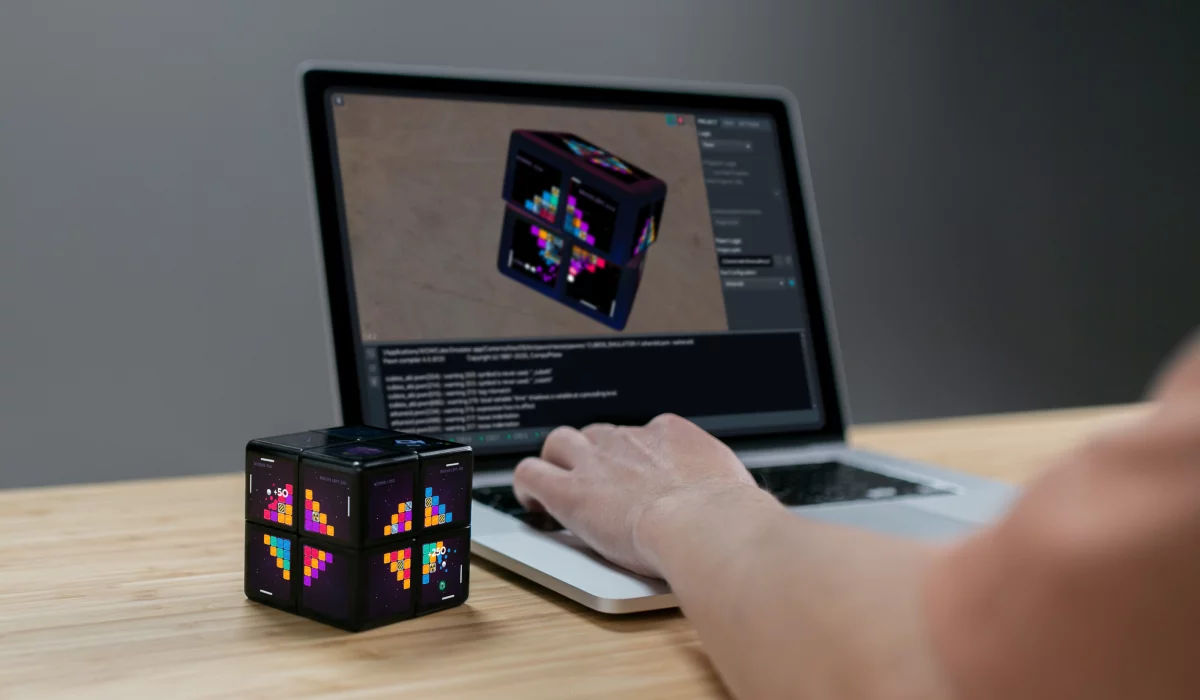
On top of this OS, we needed a compiler that – ideally – creates some byte code, so that the developer can write a game using any language they want (just like on Android devices). Our OS uses the PAWN language, which is a subset of the C language and which compiler is capable of translating programs to byte code. The virtual machine runs this code on the device.
Additionally, the WebAssembly or WASM for LLVM is included, and you can write a program using any language that supports it. This approach is very popular now because you can write programs using C, C++, even use Rust. WASM is already working but not published. It will be available in the next versions of our DevKit.
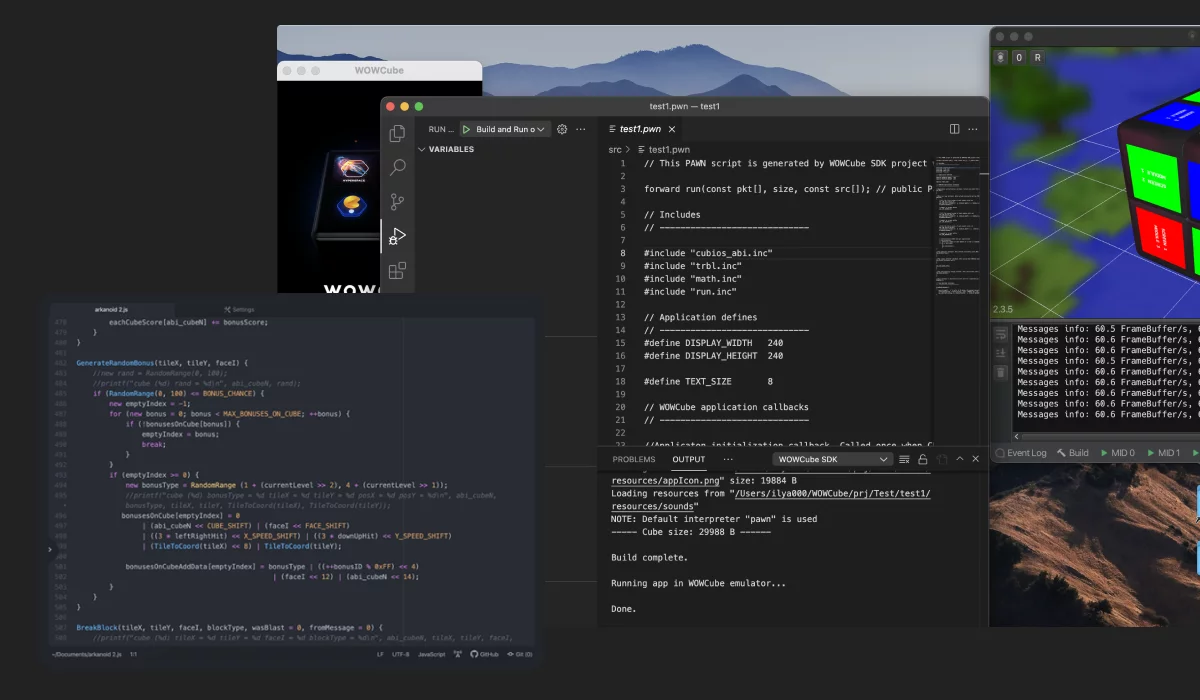
Oh, and it would be nice to have an option of writing this code using the SOTA developers’ tools such as Microsoft VS Code. This means that we also need a plugin for VS Code.
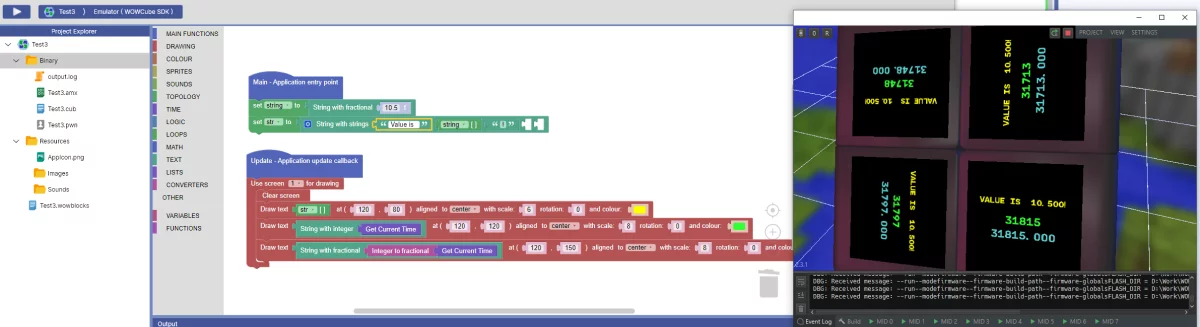
And those of you familiar with Android development would probably want an emulator simply because it’s convenient. With an emulator, you could develop games on a PC, and use a mouse and keyboard for rotating, even if you plan on deploying the game on a gadget. So… how should this emulator look for a screen that stretches over six sides of a cube? Quite obvious: we “unwrap” the cube so that it fits on a flat computer screen.
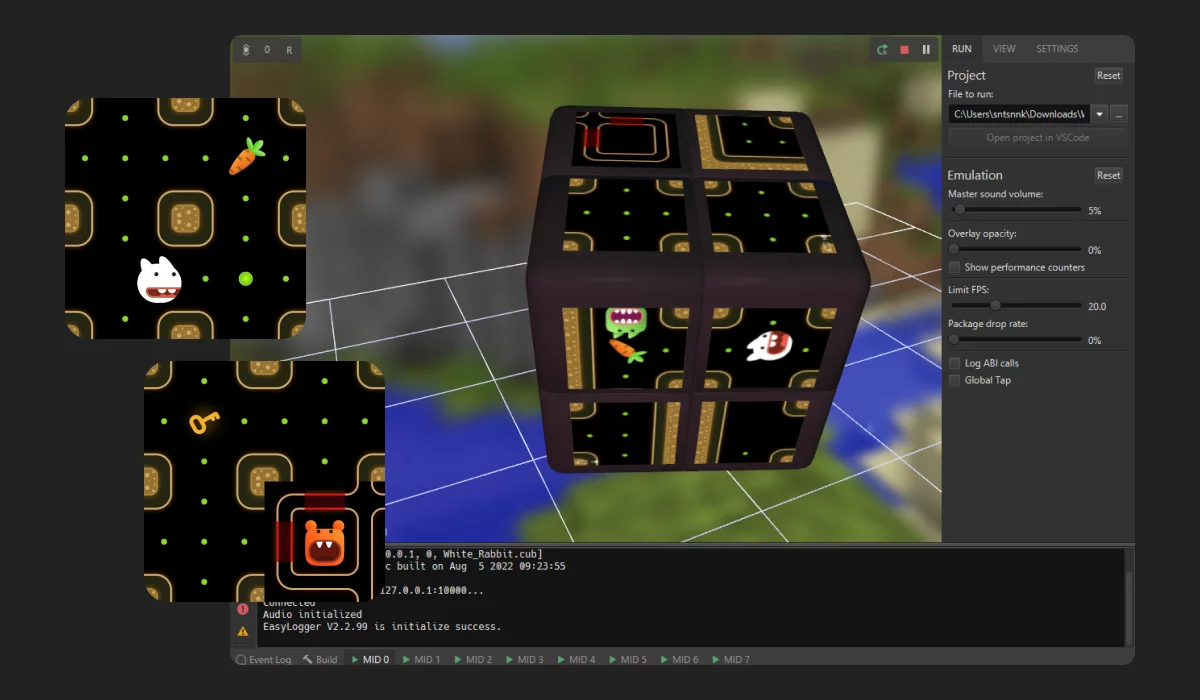
All these requirements are the bare minimum, but let’s not forget about debugging and so on. Plus, after you test on a virtual cube, you still need to upload to a real one.
Well, guess what? It is almost ready. You can see it here: https://wowcube.com/devkit as part of a WOWCube® Ecosystem. But, of course, that’s not all.
Blockly
WOWCube® Blockly is a visual no-code application programming tool for the WOWCube® platform. Designed primarily for beginner programmers, Blockly combines an intuitive user interface with a wide range of features, allowing you to build complete applications and run them on your WOWCube® device.
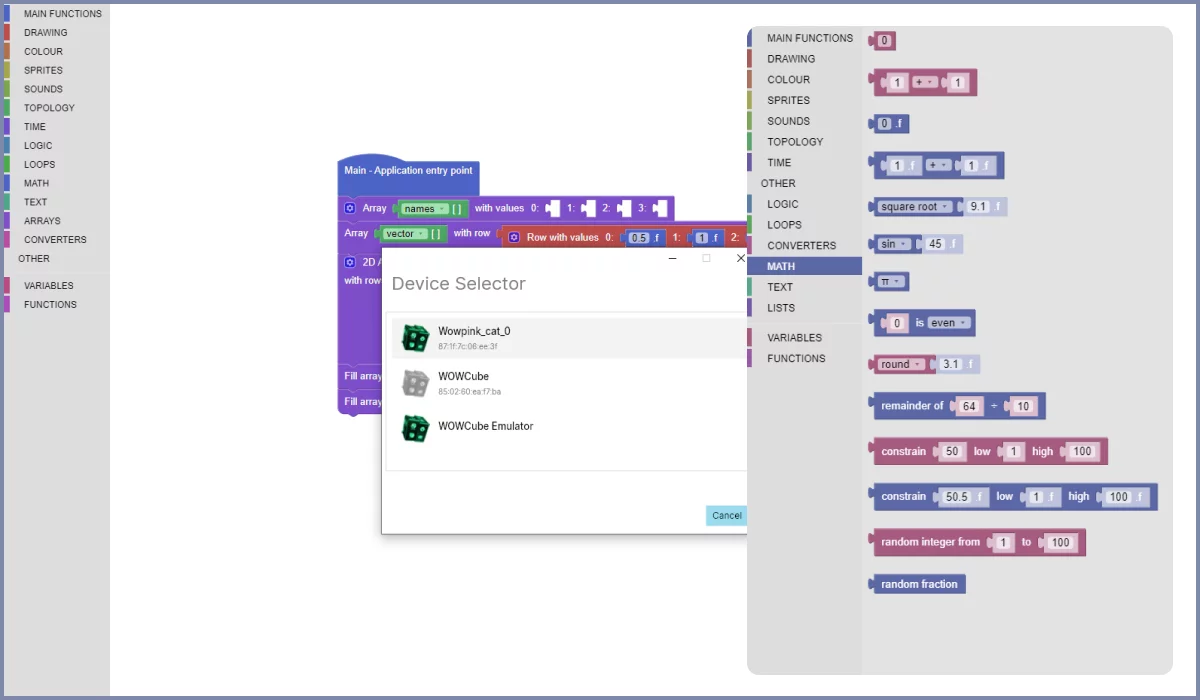
It opens up great opportunities for creativity, developing critical thinking and problem solving skills, and promoting general computer literacy, which is an integral element of the STEM approach to education. Blockly is at the project stage now and not ready for publication yet.
WOWStudio
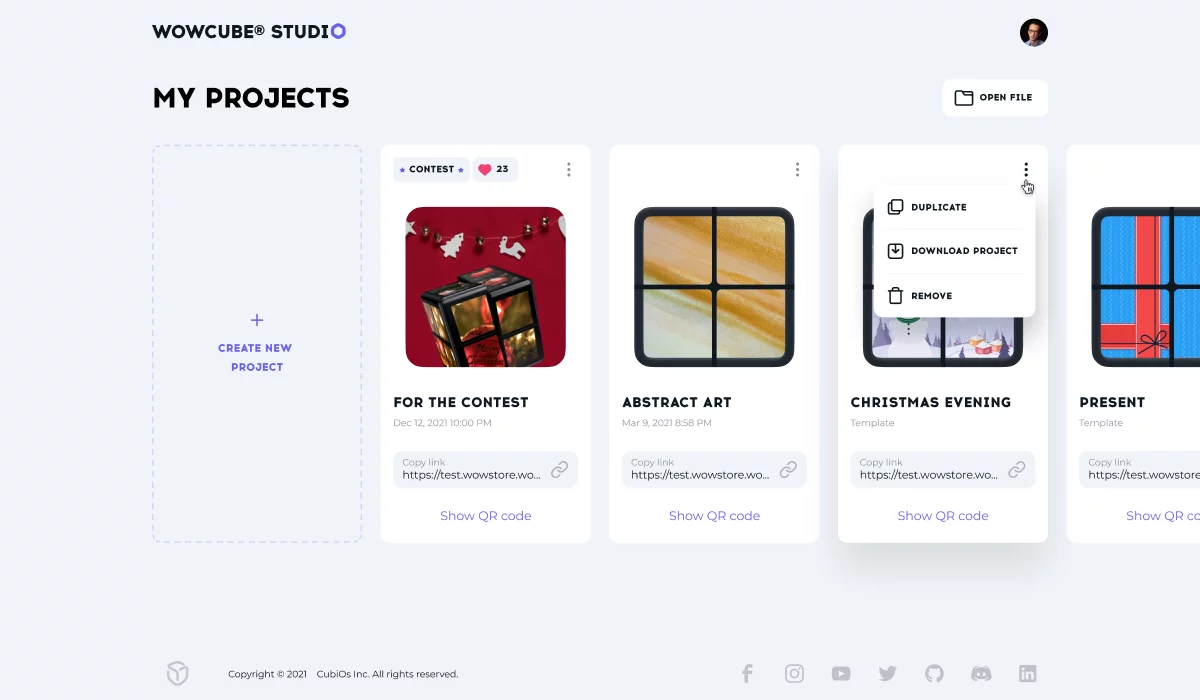
WOWStudio is a tool that allows you to create an app in a no-code environment which contains content like pictures, panoramas, spherical maps, etc for your cube. It’s simple to use but is far from primitive: not only can you create and upload photos, but also quickly prototype mini-games like picture puzzles.
The WOWStudio will be available as a web application from the user's personal account on our website. It will be visible after connecting and activating the Cube.
To create an app you just need to download your content to the WOWStudio, create something you want and save it. Then your creative idea as an app appears on your smartphone in WOWCube® Connect and you can download it to your Cube.
Each content item automatically converts into an app in WOWStudio and has its own unique address which you can share with friends. You don’t need to code it. Amazing, isn’t it?
Smart Dock Station and Raspberry Pi
The WOWCube® Entertainment System is a very advanced piece of hardware that includes accessories. Let’s take a look at one of them, the smart dock station (not to confuse the dock station for charging the Cube from the basic kit). It is, indeed, very important, as it plays the role of a charger which wasn't so easy to design. The WOWCube® Entertainment System is a cube covered with screens: where can a cable fit?!
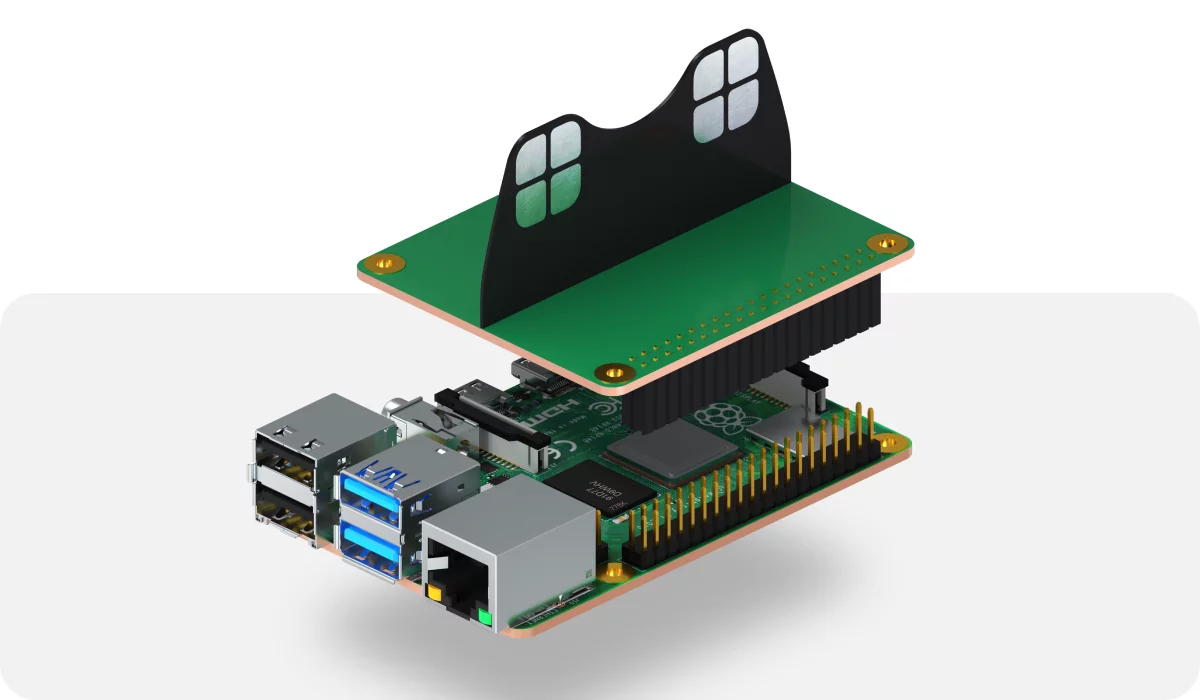
The solution was to push the subcubes off to the side and squeeze a thin plate with contacts between them. Now, as the device was connected to power… Wait a second! Connected with what?
This is one of those small moments of truth of our magical gadget. See, as the simple plate with contacts is pressed inside the cube, it touches the same contacts that the subcubes use to communicate with each other. Yes, it’s a logical charging point. But since we have access to the same set of contacts, what if (our engineers asked themselves) we send the information as if the charger was a cube?
This is how the idea of a Raspberry Pi Shield was born. If you browse through popular DIY and electronics sites, you'll see that people love making small projects. There is something very rewarding and perhaps even magical when a device you made with your own hands comes to life with all those buttons, bells, and whistles.

In the world of low-end electronics, including the DIY world, two ecosystems dominate the market: Arduino and Raspberry Pi. They not only provide the "brains" for your project, but also allow you to seamlessly plug in countless peripheral devices, from simple light diodes to Lidars and video cameras.
So it should come as no surprise that we, the creators of WOWCube® system, looked in that direction. Ideally, we wanted to be able to use the functionality of Raspberry Pi to allow data transfer to the WOWCube® system. Right now we can only connect the Cube to the Internet over Bluetooth (BT) and mobile application, which is inconvenient in some situations. But instead of using the mobile application and BT, we can use the shield and an application running on Raspberry Pi. And it will be way easier, after all, Raspberry Pi is a fully functional computer and can work with the Internet.
In the future, we plan to open protocols, standards, and provide developers tools. So the shield will be an invitation for the community to do similar DIY projects with the WOWCube® team.
Here is a simple example: Let’s say you want to add a microphone to the system. Raspberry Pi is powerful enough for some very intelligent tasks, so can we say "ok, Cube", instead of "ok, Google"? And if the Cube plus docking station can be used as a night lamp, can we say "computer, dim lights", as they did in Star Trek?
WOWCube® Games & Apps
We discussed the rather advanced things that WOWCube® Entertainment System can do, now let’s talk about what can run on it. As the cube is mostly a gaming gadget, we definitely need games. Some are written by the CubiOS team, while others are written by 3rd party developers.
Right now, we have games of all the popular genres: casual, arcades, puzzles and others, with new games being added all the time. Compared to games on a smart phone screen, the cube’s games require more 3D visualization skills because game characters travel between screens on all sides of the cube. This creates a great development tool for your child.

We remember those first primitive PC arcades a long time ago: remember, the sprite representing your character leaves the right side of a screen just to reappear on the left side? However, while on a flat screen it is clearly a disadvantage (the game engine can not scroll the “world”), on a Cube’s surface it turns into a new exciting game feature.
Of course the cube is not just for arcades, there are countless possible uses for it. Puzzles are one example. Learning math by spinning the cube is another. Or feeding the fish in a digital aquarium. Or enjoying a relaxation app that produces splashes of colors. The cube is a digital spinner, so to speak. Additionally, you can use the cube as a multi-display that shows weather, stock market info, scheduled meetings and so on.
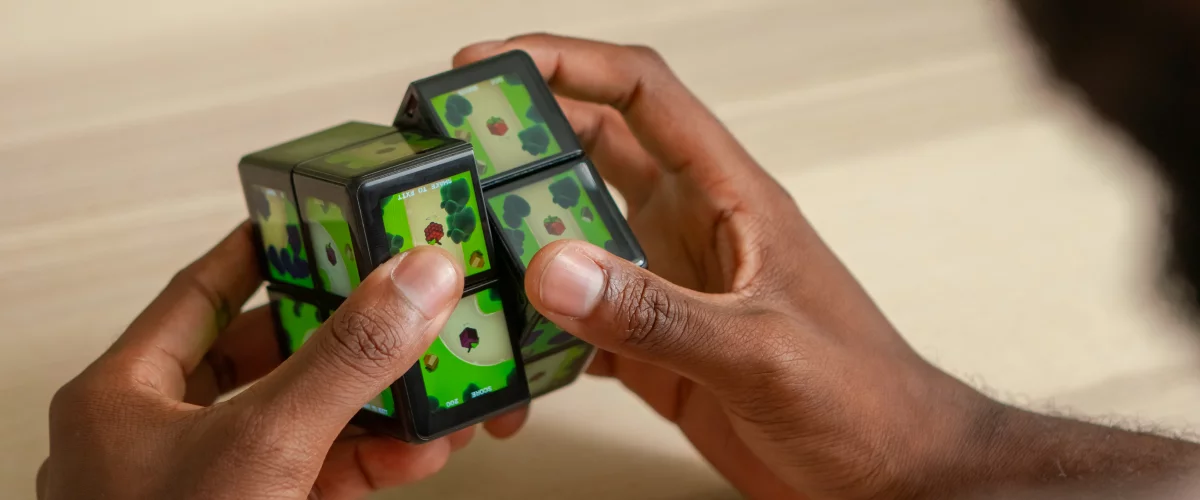
At the moment, the Cube has 40+ different games and apps – and more are on the way.
A toy in 21th century is not just a toy. Any modern activity should be internet-centered and social, right? We can use the prefix “meta” here, but we’re not quite sure how to do it, so here’s simply a list: server side software, Web boards for games, and a Web store plus two mobile store versions where 3rd party developers can publish their games. It’s a rich and friendly environment.

WOWCube® Store
The WOWCube® Store is a catalog of games and apps that we found interesting and appropriate for the cube. Everything in our store passed technical and user tests. Some games are licensed from major gaming companies.
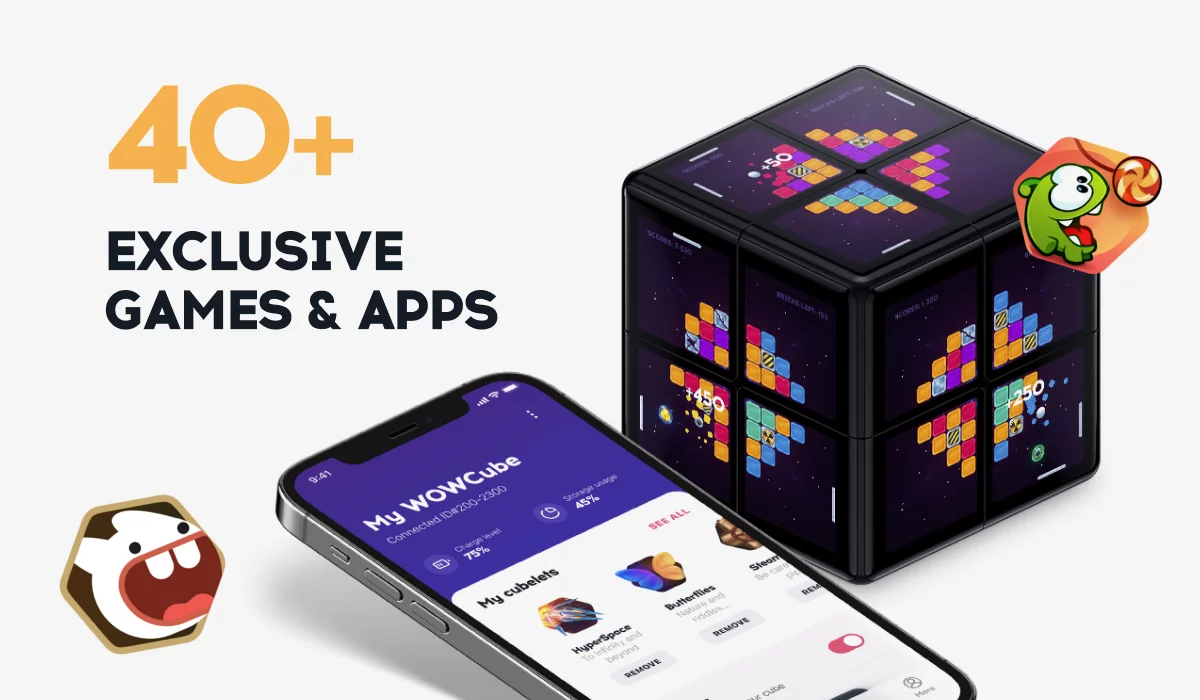
The store has one Web and two mobile versions: for Android and iOs. You can get apps on your smartphone and then transfer them to the WOWCube® Entertainment System.
The store has an interesting feature: when the third party developer adds the app’s beta, it gets an URL, but is not visible in the store until the developer publishes it. Third party developers can send the URL to friends for testing before making it publically available. But it is the question of the future.
WOW Future
The smart dock station we described above led us to another creative idea. Since the shield has a thin plate with contacts between the subcubes, can we attach another plate to create a connector? So that we can have two devices side by side? Five devices? More?
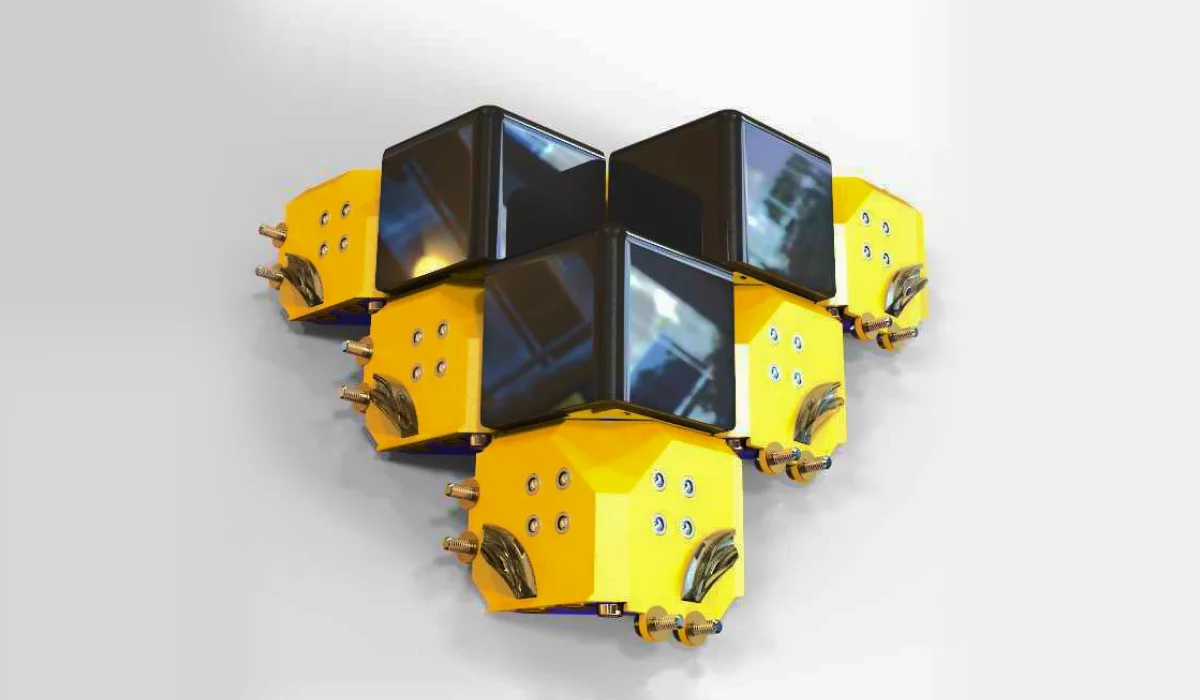
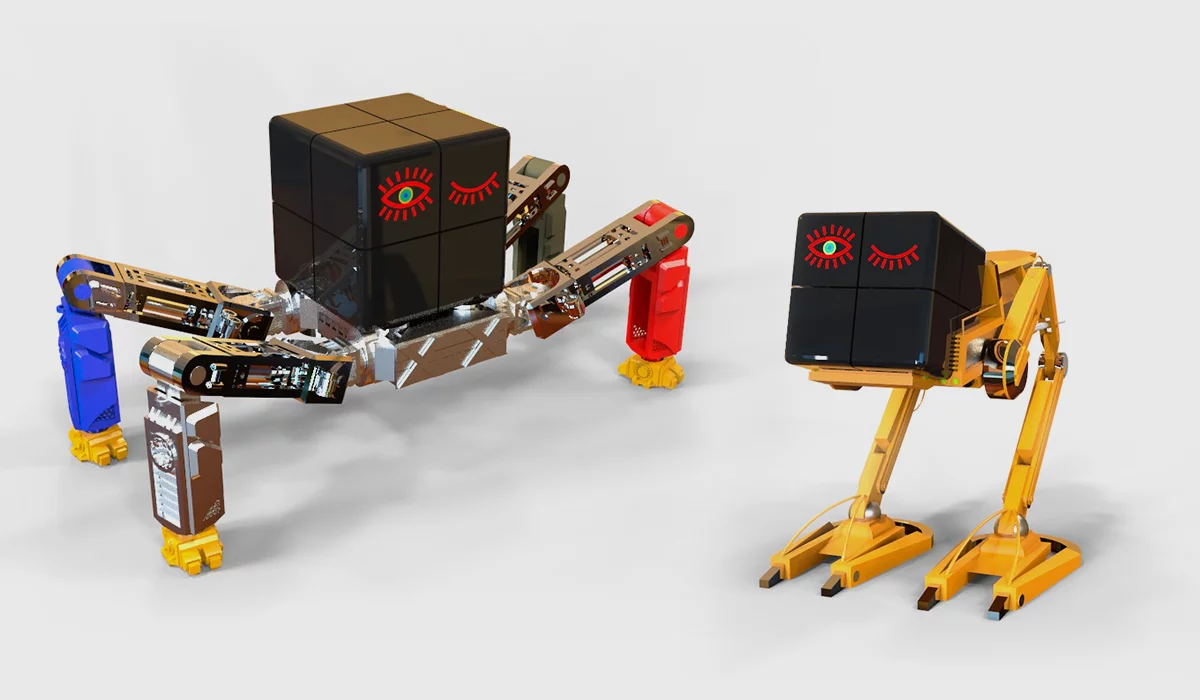
The answer is “yes”. It’s possible to build kinetic structures from multiple cubes, create screens with an alternative geometry, and the best part is that the OS of the WOWCube® Entertainment System will still support it! All screens can be programmed to work together! Computerized art? Art built from computers? Name it as you want, but it is possible.
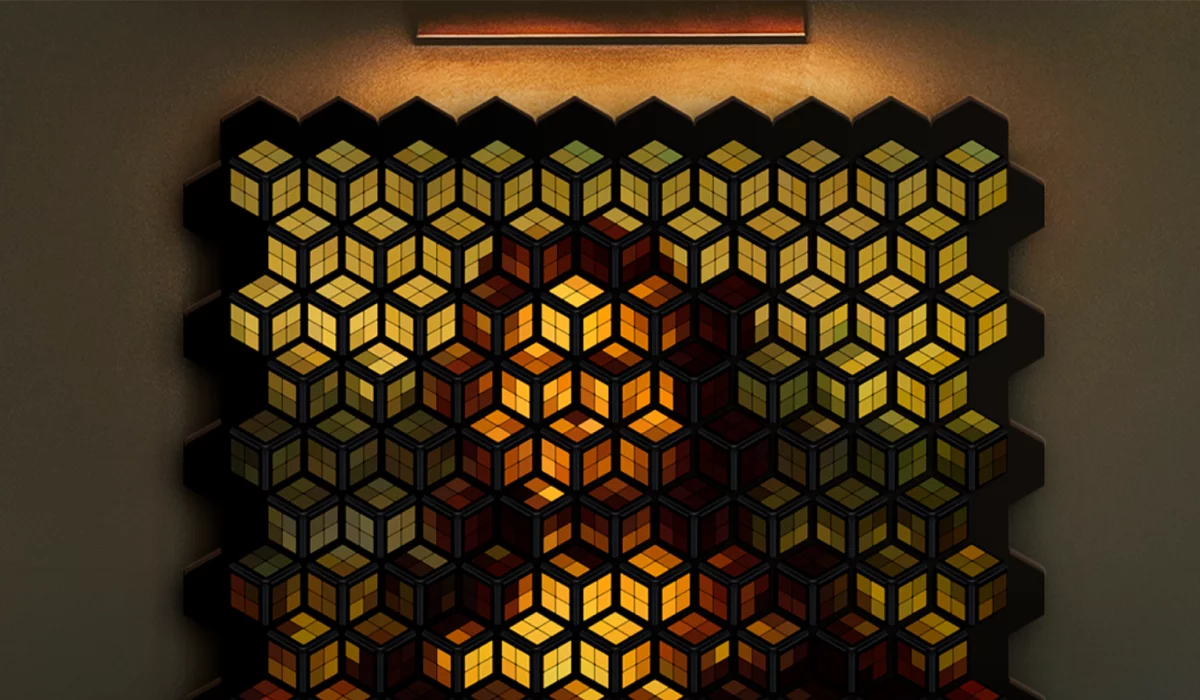
Last, but most important for players. The Development Kit, the Web servers and the WOWCube® Entertainment System make it easy to give game access to online boards. Points? Achievements? Levels and ratings? It’s all part of the ecosystem, and can easily be used in new games.
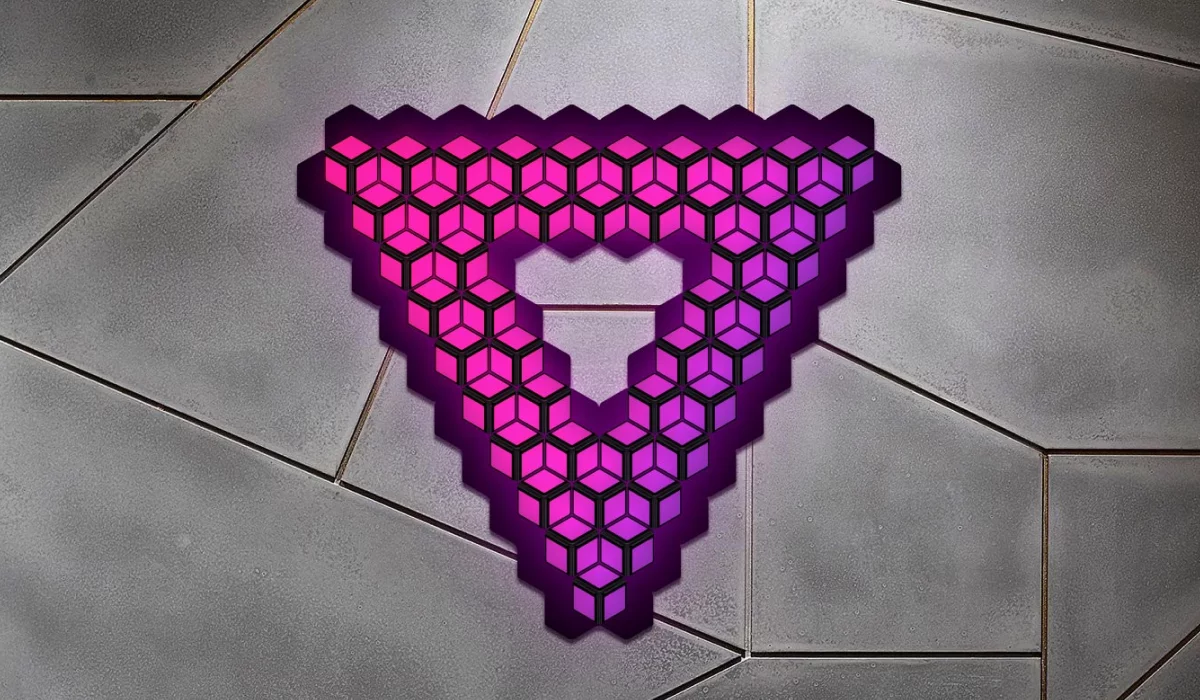
The options for developing the WOWCube® ecosystem are endless, we just need to use our imagination.