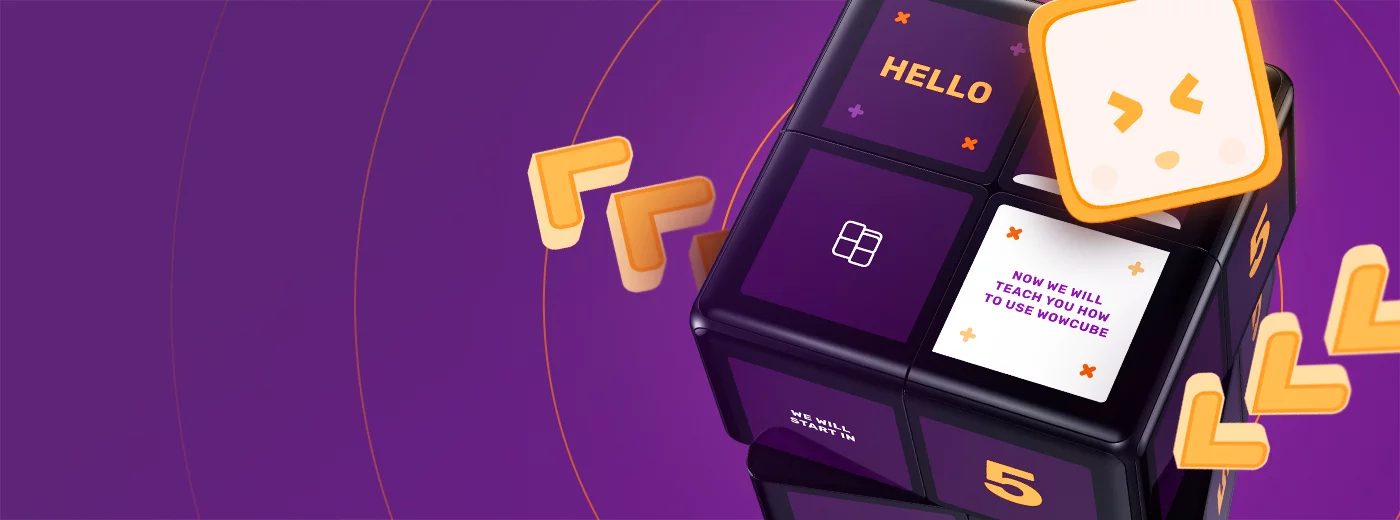
As you can see, the WOWCube® entertainment system is the new type of game console. How to play it? We created Get Started as a tutorial app especially for you.
To launch the Get Started app, move the highlight to the Get Started icon by tilting the cube and double-tap the cube. The highlight always tries to stay on top.
The WOWCube® System is activated by twisting one of its sides relative to another. This takes you to the main menu. Each icon you can see on the screens is either a game or an application. To run an app of your choice, there is a white highlight in the form of a hexagonal frame. Tilt the cube to move the highlight from one icon to the other. Its position indicates which application is selected, so you can launch it.
How to play
Follow the instructions in the Get Started app to get yourself acquainted with the cube and its gestures even more!
If you shake the cube in-game, it will return to the main menu.
Productivity · 13+ · © Cubios Inc. · OpenSource