How and Where to Use the WOWCube© System?
New games are coming out for the gaming systems that we love, but the way you interact with the system itself doesn’t change. Yes, there are minor changes that exist. However, for the most part, you still control inputs with a traditional controller — the kind of controller with two joysticks, four buttons, and two triggers. Even with new games, these gaming systems start to get old because the basic functionalities of the controller stay the same.

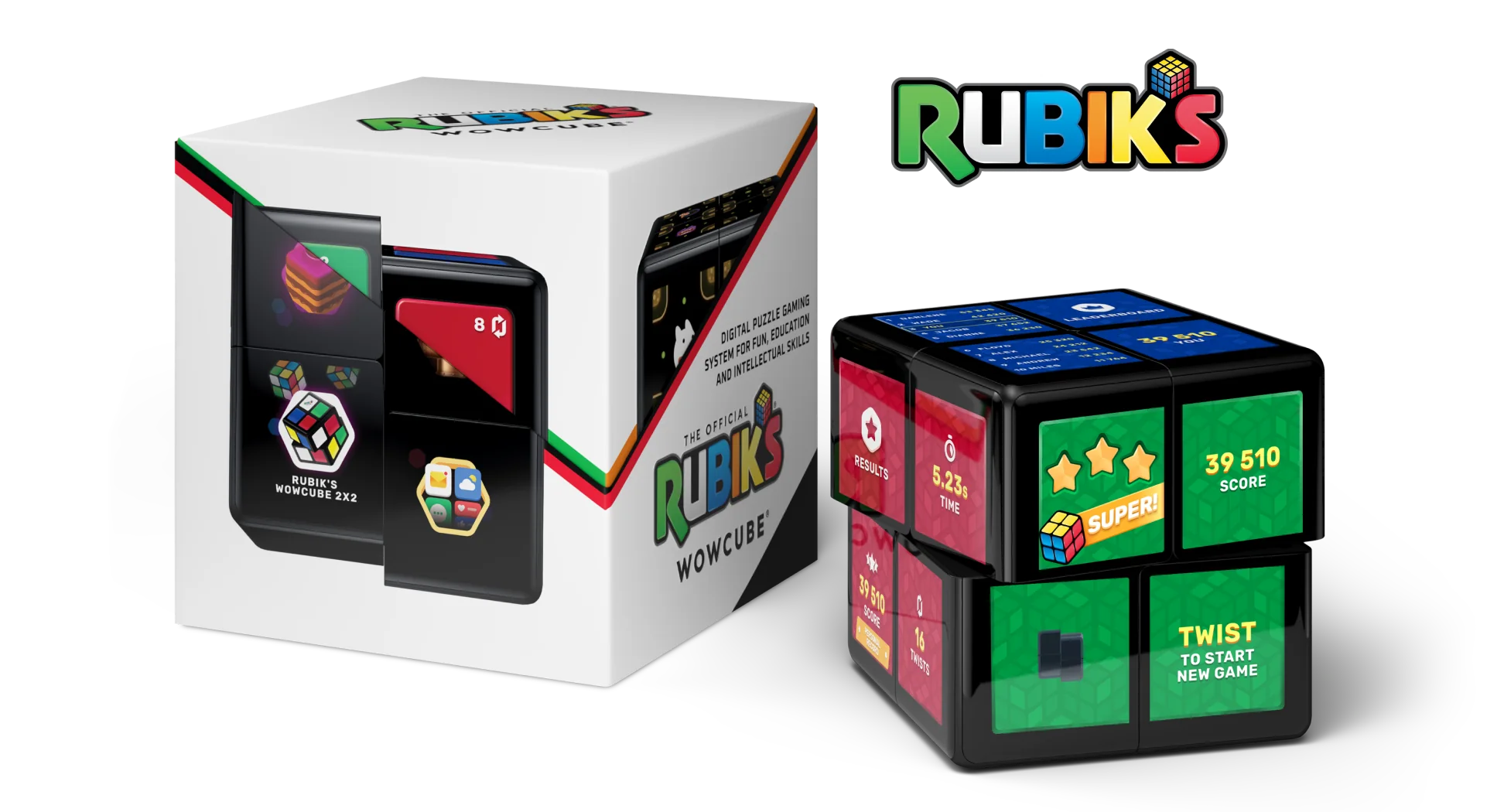
Imagine a gaming system that changes the way we play and interact with games. The WOWCube© system is a mixed reality device with a tangible interface that combines the best from classical 3D twisty puzzles and video games and offers a new game experience where virtual gameplay is controlled by physically tilting, twisting, and shaking the device.
We are going to cover how to use every feature on the WOWCube© system along with the different places and scenarios in which you could use it.
Let’s dive in!
How to Use the WOWCube© System
The WOWCube© system isn’t only for playing games. You can also create your own games and set the cube on your nightstand as a smart night lamp and much more.
How to Start Using the WOWCube© System
To turn on the cube, you need just to twist it once. To select an app, tap the cube twice with the white highlighter on the selected app. Read the full quick start guide here.

How to Download Apps
Downloading apps is a simple process and once they are downloaded, you don’t need wifi to play them! Every WOWCube© System comes with pre-installed games. Depending on the pack you purchase, you can access up to 40+ pre-installed apps.
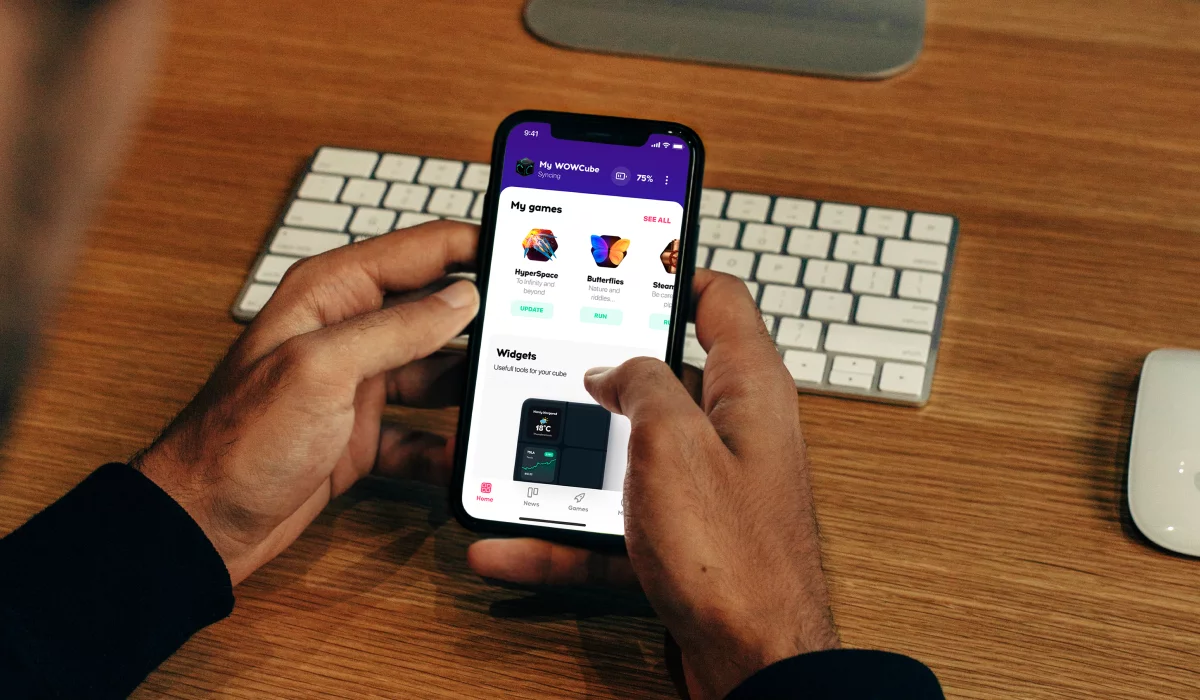
Follow these steps to download an app.
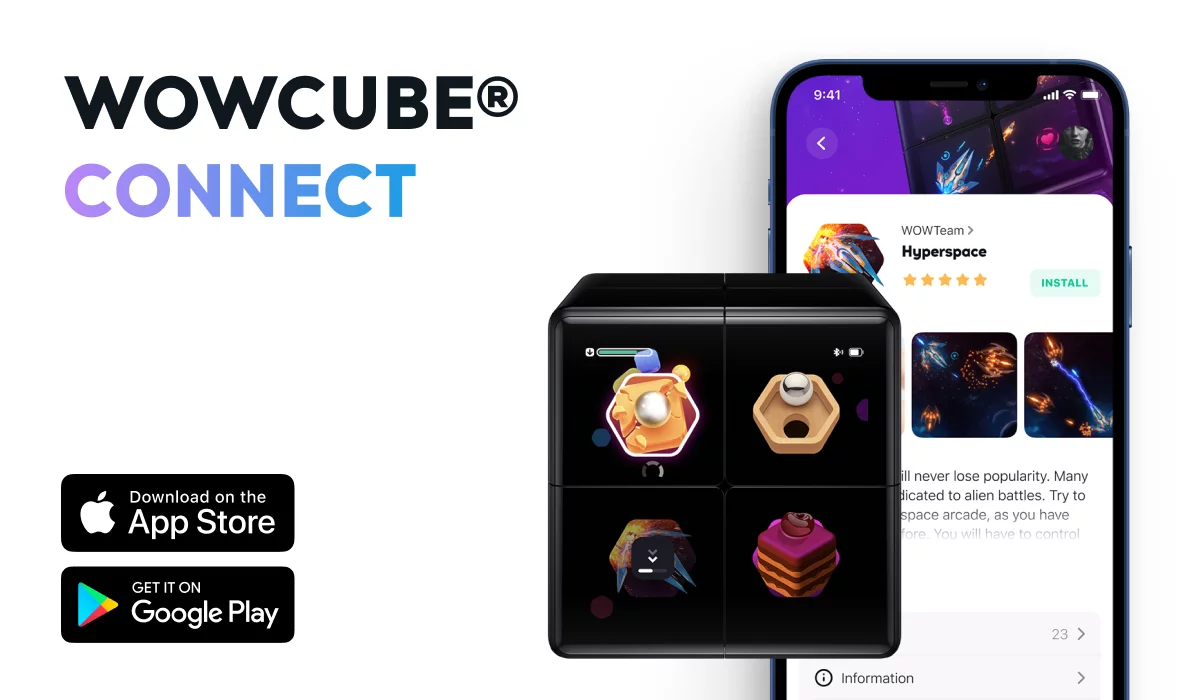
- Download WOWCube© Connect on your smartphone from either the Apple App Store or Google Play.
- Twist the cube to turn it on. Keep it close to your phone. Make sure the Bluetooth on your cube and phone is on. Connect your phone to the cube via Bluetooth.
- In WOWCube© Connect, select an app or game, click install, and wait for the download to complete.
How to Play Games
Here is the fun part! A variety of games are available from ones you know like Cut the Rope™ to games like Ladybug that were made just for the WOWCube© system. This takes the games you have played on your phone, along with new ones, and puts a different twist on the gameplay.
The WOWCube© system is a cube with four screens on each side. This means that instead of playing on one screen, you are playing on 24 different screens, and most aren’t even in sight! Don’t let this overwhelm you as the gaming experience is intuitive for all ages.
To play games you tilt, twist, and shake the device. Each movement results in a different response unique to whatever game you are playing. However, this isn’t just for having fun! All of the games develop important skills such as spatial reasoning, problem-solving, and more.
For a description of each available game, visit the WOWCube© Store.
How to Create Games
If you are a creative individual looking to dive into game development, then hop on the other side. Don’t just play the games, but create games that other users can enjoy! We have created over 40 games and apps and hope that these are a source of inspiration for future creators. We are excited to see the beautiful games that the community produces!
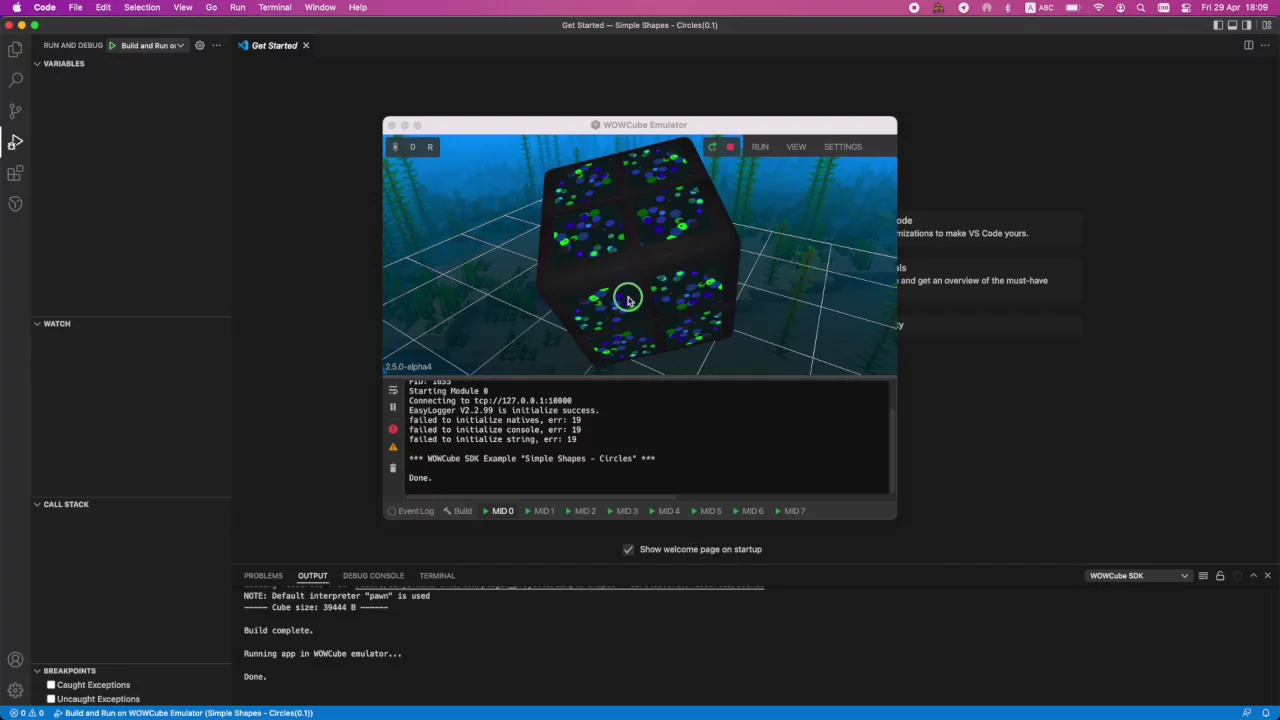
You’re probably asking yourself, “Where do I start?” Don’t worry, we wouldn’t leave you hanging. The WOWCube© DevKit is available right now. You can get the DevKit here.
Anyone can create their own content from experienced developers to complete beginners. We offer tools that require coding and no-code environments. If you are interested in game development, but it feels intimidating because you have no experience, then give WOWStudio a try since no coding is required!
Uses of the WOWCube© System Apart From Playing Games
So, we’ve covered playing games and developing games, but there are a few features we haven’t talked about. With some imagination and creativity, the WOWCube© system turns into a multi-purpose tool.
Fall Asleep Easier
Head over to Smart Lamp and Bubbles and browse the unique screensavers by twisting the cube. Find a mix of colors and moving shapes that bring on a feeling of relaxation. Set that on your bed stand and let the hypnotizing kaleidoscope of geometrical forms put you to sleep!

Stay Up-To-Date With Widgets
On the Widgets app, you can display the weather, stock trends, time, calendar, and more basic things that you are used to seeing on your phone. All of these items are updated in real-time. Reduce the amount of time spent checking your phone by setting the WOWCube© system on your work desk.
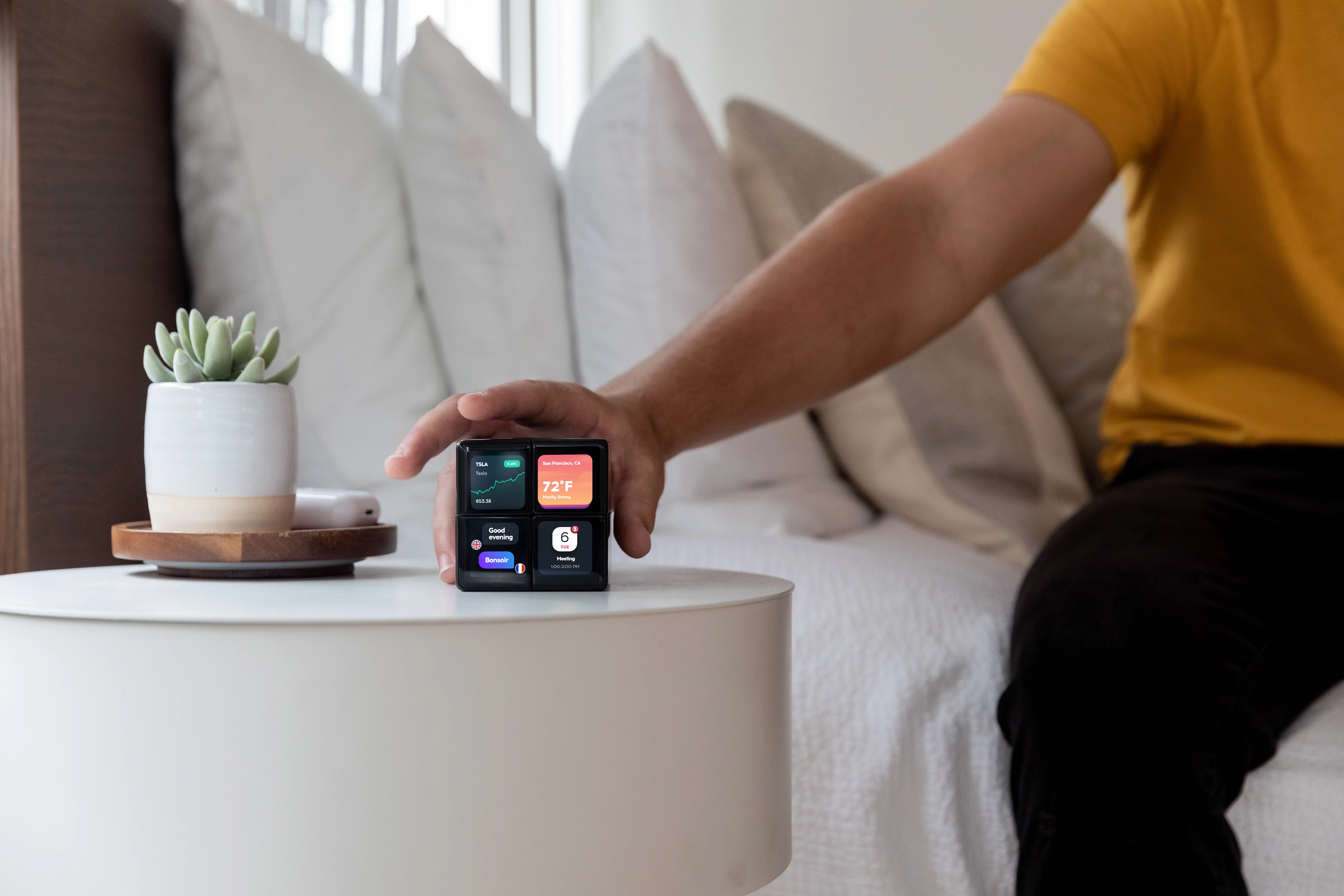
This is especially helpful with important notifications. Stay up to date with your social media, emails, and texts. Just keep the screens visible displaying the messages you want to keep an eye on.
The Widgets app also has a built-in feature that allows you to project Instagram notifications to individual screens.
Improve Your Work-Life Balance
Work-life balance is a difficult practice to focus on every day. Sometimes you have those days where you forget to take breaks and experience burnout. On the other hand, staying productive can be its own daily challenge.
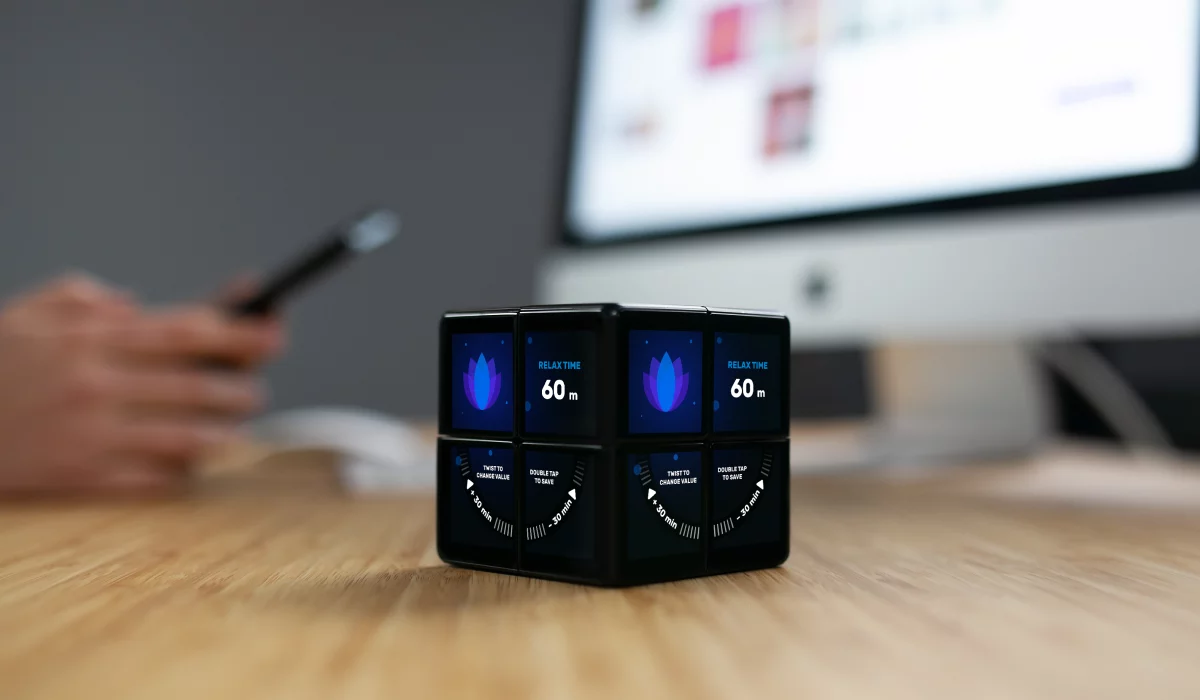
We hope that the Work and Relax app helps you stay productive while still taking meaningful breaks throughout the day. A unique timer is available that allows you to set an amount of time to work. After that timer goes off, you will be notified and take a break from work for the amount of time that you set. Let us know how this affects your life!
Where to Use the WOWCube© System
You don’t need wifi or your phone to use the WOWCube© System! You only need those when downloading new apps. That means that you can enjoy games on the cube… anywhere!
With that being said, there are certain scenarios where it can be more useful and fun.
Enjoy In the Comfort of Your Own Home
Of course, nowhere is better than your home when it comes to sitting down and playing video games. It’s a comfortable setting which makes it perfect for gaming. The cool thing about the WOWCube© System is that you aren’t restricted to playing games where a monitor or tv is. The world, or your home, in this case, is your oyster! Go outside on your porch and enjoy the outdoors while playing your favorite game.

If you want to switch it up, place the cube in your living room to display things for the entire family to see. This can take the place of a clock and calendar in one device.
Increase Productivity in the Workplace
It is important to create an atmosphere in your workplace that is conducive to work. For some people, that is making it resemble their home while for others it is maximizing productivity with the right setup. Either way, the WOWCube© System can benefit you.

Choose photos of your friends and family to project on the cube to fill your workspace with a homey feeling. Alternatively, you can display important widgets and notifications to save time throughout the workday. Or even you can create a puzzle from your pictures using WOWStudio.
Pass Time While Traveling
The WOWCube© System can be brought traveling. It’s great for long car rides as a way to kill time.
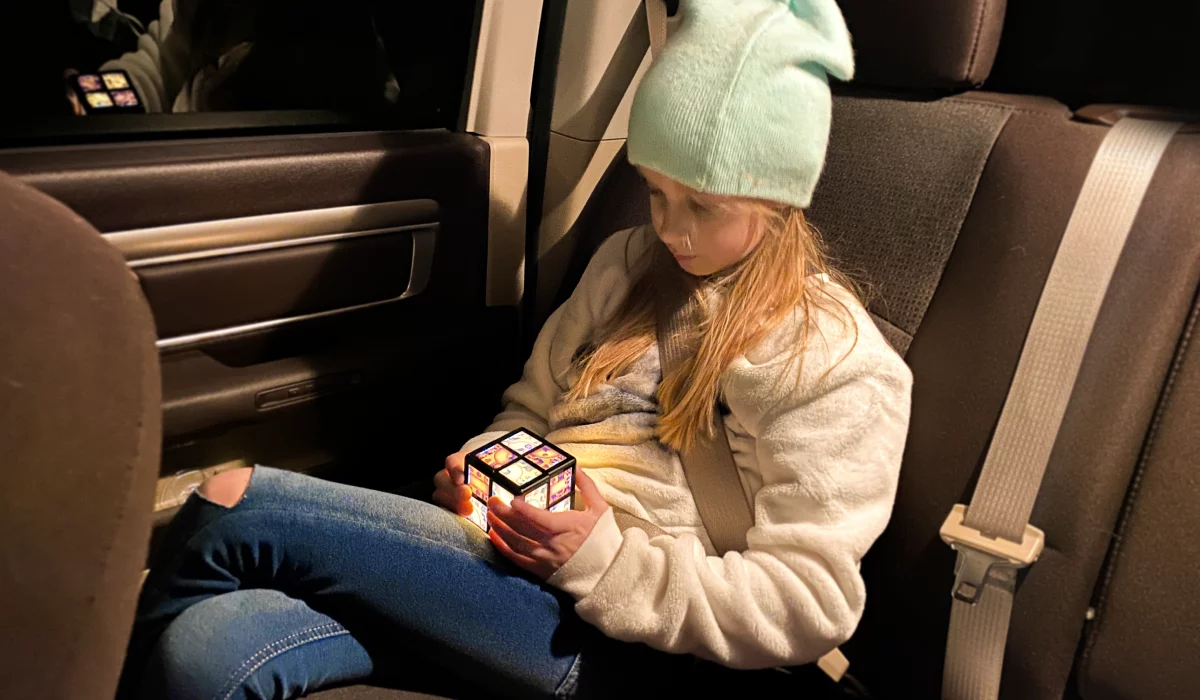
However, it is a game-changer for long flights! The battery lasts five hours and you don’t need wifi. It is common for in-flight wifi to be an extra charge. Save money and explore the 40+ games available!
Try It Yourself

The WOWCube® system can be enjoyed by all ages. It is intuitive enough for children and engaging enough for adults to enjoy. Interact with a gaming toy like you never have before and develop your very first video game! Check out the WOWCube® system here and take advantage of the 40% off while it lasts.