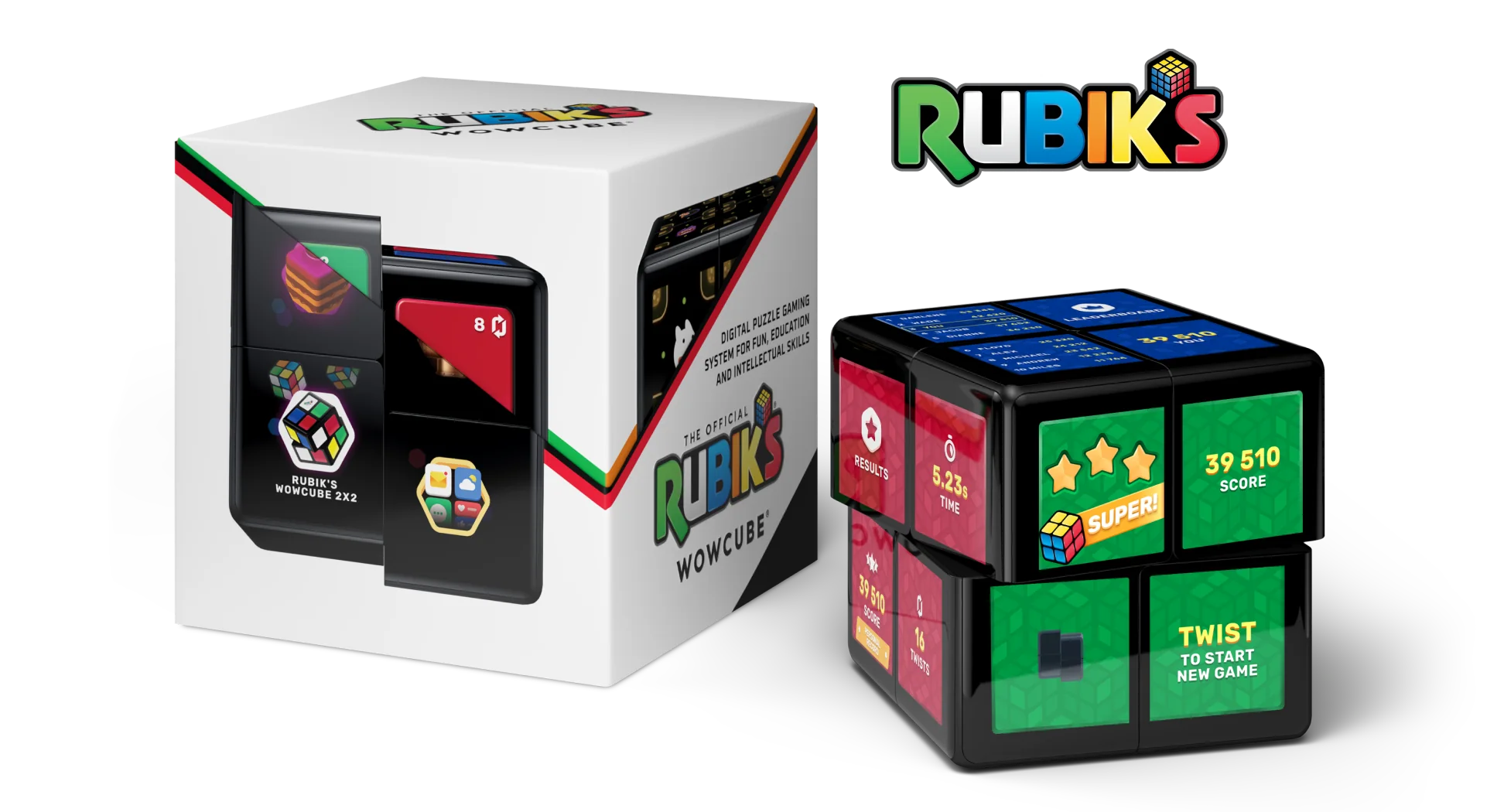
WOWCube® Development Kit
As of this writing, if you navigate to the appropriate page on the WOWCube® website (https://wowcube.com/devkit), you will be greeted by a cheerful “WOWCUBE® DEVKIT IS AVAILABLE” message. Let’s take a look at WOWCube® Development Kit, the part of a WOWCube® ecosystem that allows third-party programmers to create their own games and applications for WOWCube® device.

What is the WOWCube Development Kit?
WOWCube Development Kit is a set of tools that allows developing applications for WOWCube devices. It gives access to the majority of features of CubiOS, the WOWCube’s operating system.
After nearly two years of intensive development, the Development Kit is finally ready to open the possibilities of development for WOWCube® system to the public.
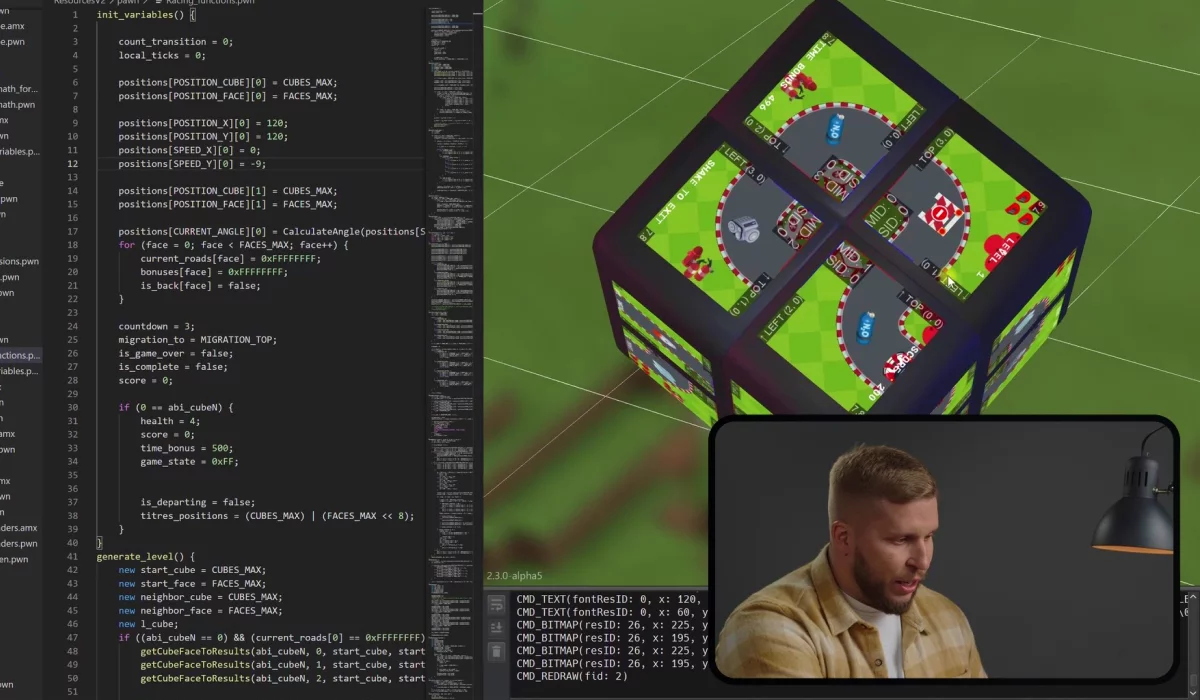
The WOWCube® Development Kit has two main components: an extension to Microsoft Visual Studio Code (VS) and a Software Development Kit (SDK). The files provided with the SDK are used for building of WOWCube® applications, while VS Code extension makes the development process convenient and robust.
The WOWCube® Development Kit comes with a set of examples that seamlessly integrates into the VS Code via the extension. Each example comes with a detailed description and can be started with just a few clicks.
Step by Step
We are aiming at having additional tests before completely opening the product to the public. So initially the access to the WOWCube® Development Kit will be granted by request only, so that a pool of trusted developers is formed. In the longer term, WOWCube® Development Kit will become freely available.
Emulator
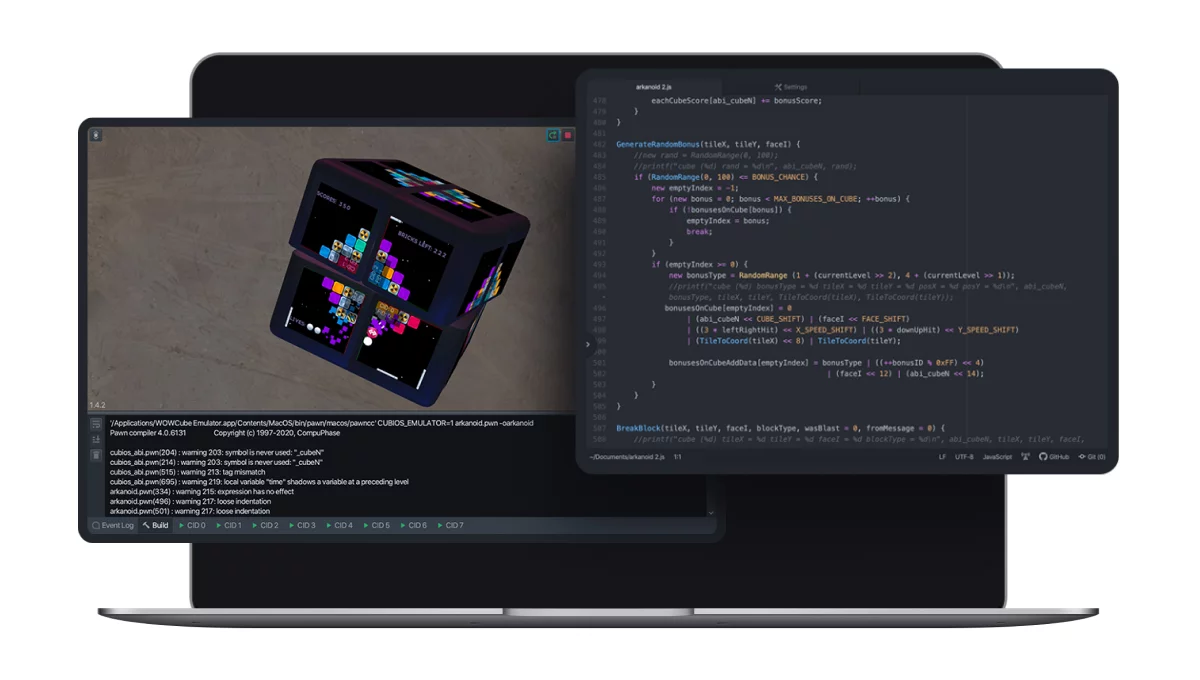
The Emulator is a program that mimics the WOWCube® device, and is capable of running (in the Cube Emulation mode) its software. The Emulator is available for macOS and Windows operating systems.
Connectivity wise, WOWCube® Development Kit provides the functionality similar to XCode and Android Studio. As you make changes to your program (probably for the 1000th time now), you need to be able to run it for testing, to find problems, and to begin the 1001th iteration.
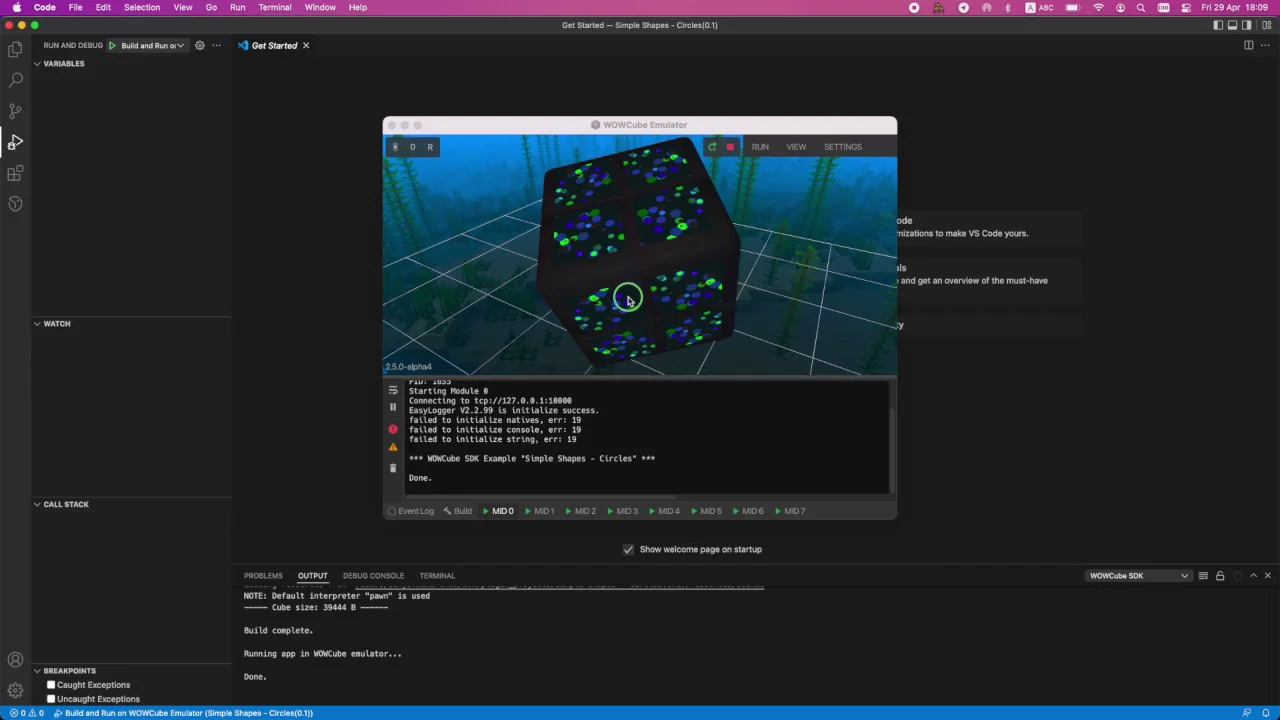
Uploading the program to the WOWCube® device is not the only way to do that, nor is it the fastest or most convenient one. You may have no physical WOWCube® device at all, but still could be interested in writing programs for it! After all, we are at the pre-order stage, with a limited number of WOWCube® systems, while the number of copies of WOWCube® Development Kit that can be downloaded is only limited by peoples’ enthusiasm.
This is where the Emulator comes in handy. You use it rather than dealing with a physical device.
There is a learning curve of course, but once you master code loading, twists, taps and shakes, the whole development process will get faster and smoother.
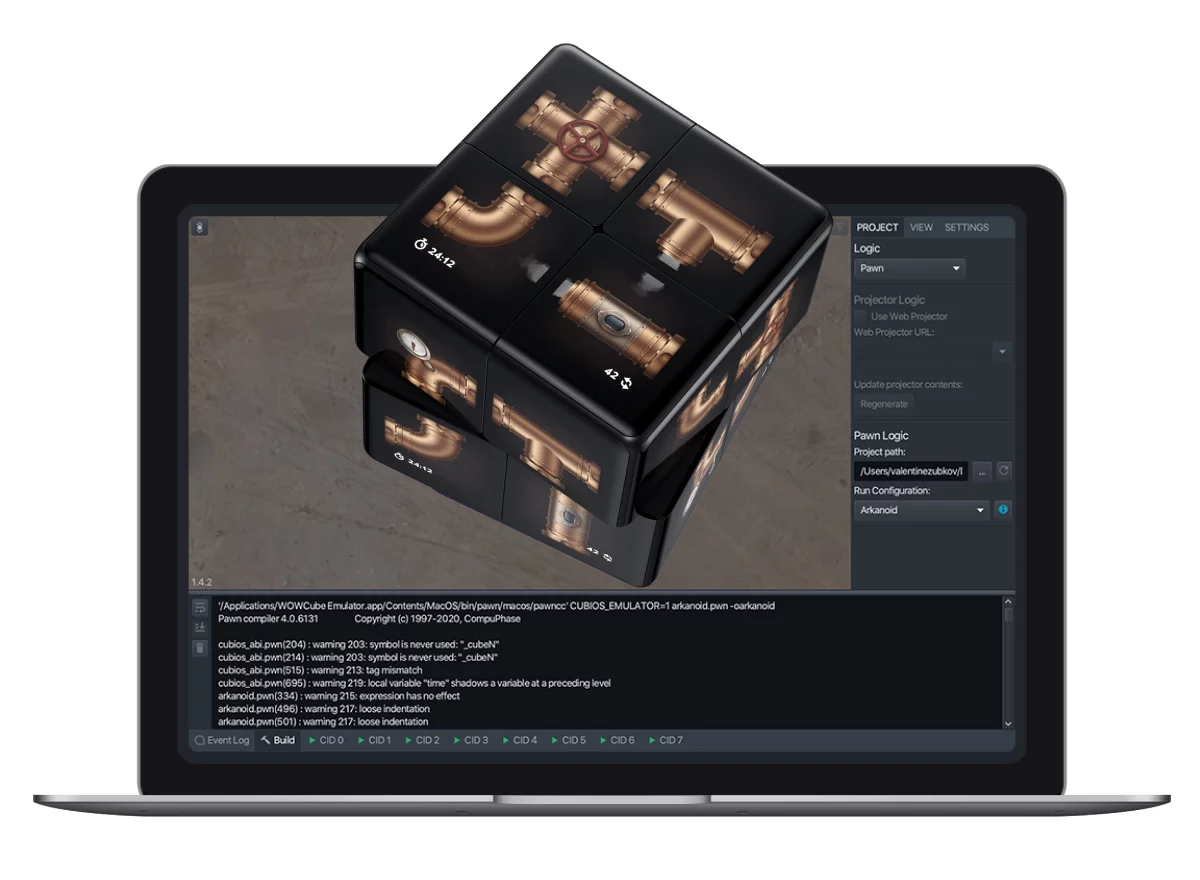
There are four important bits in the Emulator you should get familiar with: Emulation Controls, the interactive 3D model of WOWCube® device, application Settings tab, and the Console window.
You use Emulation Controls to start, stop or pause the execution of an application.
We can twist, shake and turn the cube model the same way you would do it with a real device. You can control the viewport camera too: if you are familiar with any 3D modeling software, you should already know most of it. You can scale the model and control the opacity. This makes development of WOWCube® applications more comfortable. Note that in addition to the 3D view, the Emulator provides the unwarped look of the device, so you can see all its sides at once.
You use the application Settings tab to configure the program; for example, to limit the amount of memory it uses.
As the real device is... well... real, you can add some additional stuff, for example, to emulate the loss of data packages sent between device modules.
Under the Hood
Let’s walk through the overall WOWCube Development Kit layout when you install and open it in the VS Code.
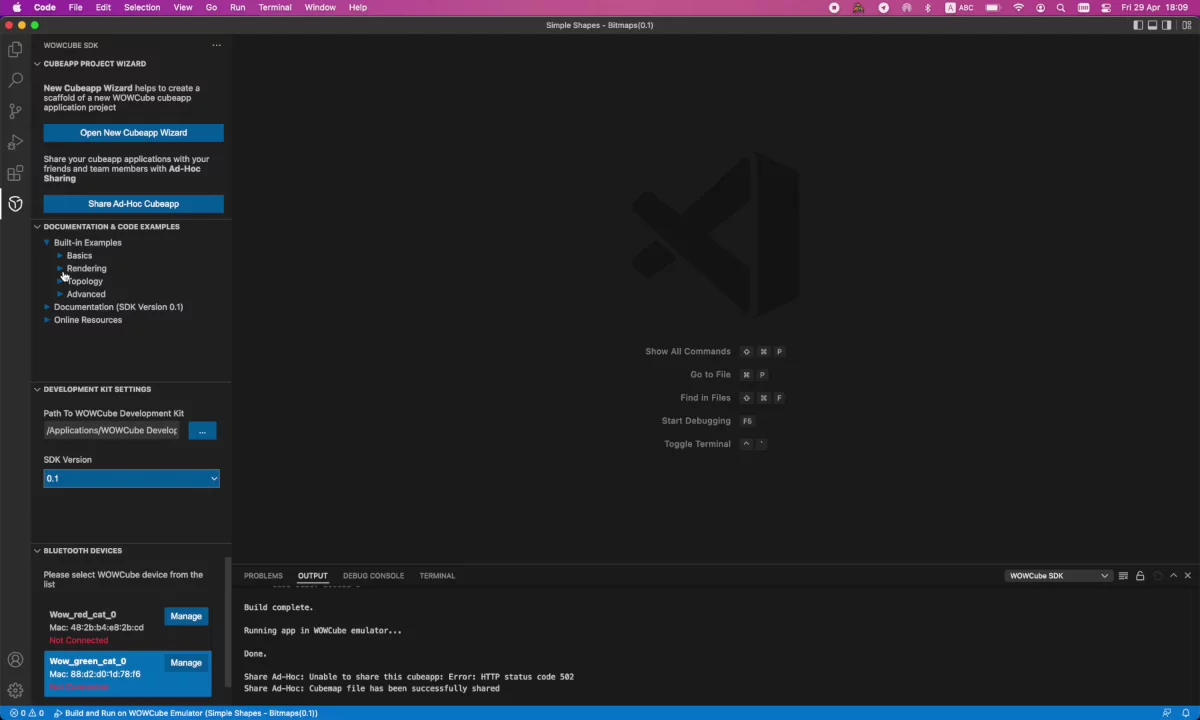
When you open the VS Code, you will see a familiar screen divided into two areas: the left side contains large menu subsections that we call “blocks”, and the right side displays the code, Emulator (if active) and so on.
We are going to do a very basic walk through the blocks at the left side to give you a better idea of what the environment feels like.
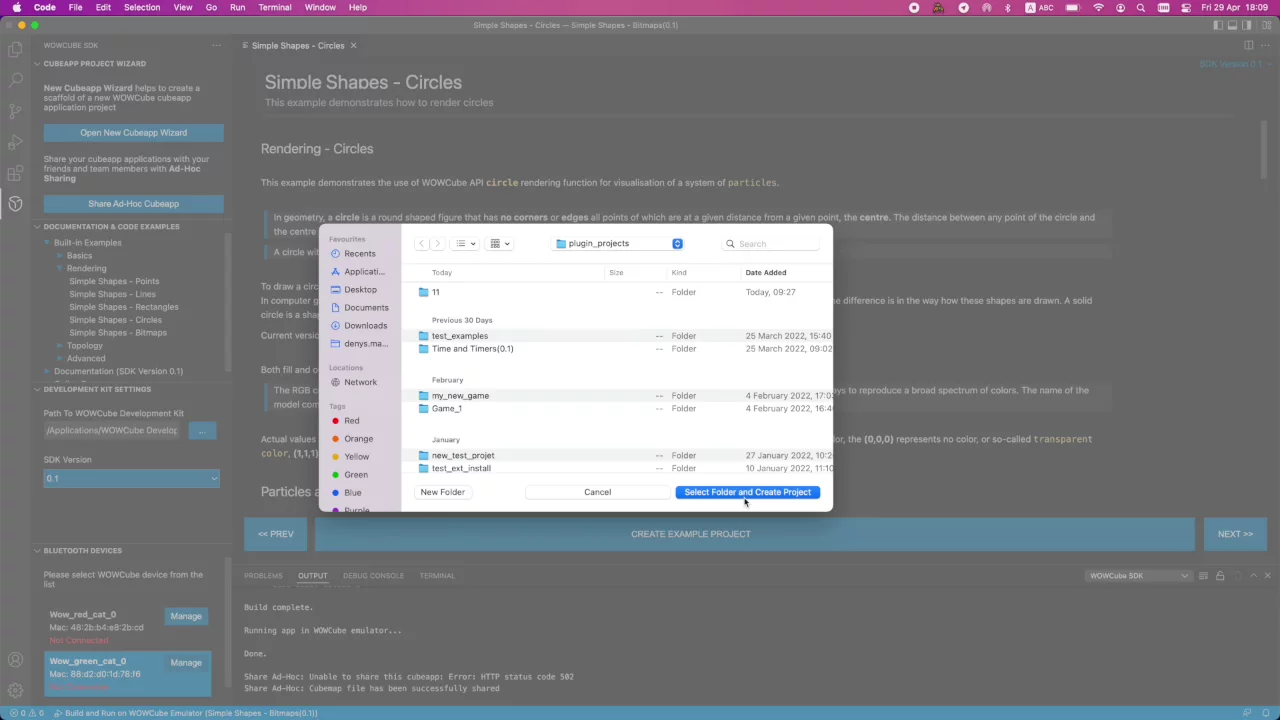
1. Wizard
The Wizard is a set of templates: prototypes of new projects with ready-to-use file structure, etc. It provides a convenient way of using predefined project templates for starting a new application without the risk of forgetting something, and it is way faster than doing it manually.
2. Sharing
As you create and compile a project, you might want to share it with other developers, or perhaps with testers. For this, you can use the Share Ad-Hoc CubeApp utility. The utility makes the app available to the receiving side over the Web. Actually, it generates a QR code that the other person can scan with a smart phone’s scanner, download the application via a link encoded in the QR code, and then upload the application to a WOWCube device via Bluetooth..
Of course, you can also simply save the file on the disk.
The application you create has a .CUB extension, by the way.
3. Documentation and Examples
Currently, WOWCube’s documentation is kind of minimalistic, consisting only of the API documentation, but it is a well thought out work, with plenty of examples that show you everything you need. The documentation is available from the VS Code, and you can load and start the examples the same way you load and start your own projects. You can learn fast using the examples.
4. DevKit Settings
The Settings let you do many things, for example choose the SDK version. This section also has the “check for updates” button which allows you to always keep your WOWCube Development Kit files up to date.
5. BT Devices
This section provides the list of currently available devices. After your WOWCube is paired with your computer, you can browse the list of installed applications, run and manage them.
PAWN Language
A quote from the PAWN official site:
Pawn is a simple, typeless, 32-bit extension language with a C-like syntax. A pawn "source" program is compiled to a binary file for optimal execution speed. The pawn compiler outputs P-code (or bytecode) that subsequently runs on an abstract machine. Execution speed, stability, simplicity and a small footprint were essential design criteria for both the language and the abstract machine.
PAWN is a simple, C-like, language.
PAWN is a robust language with a compiler that performs a maximum of static checks, and an abstract machine with (static) P-code verification and dynamic checks.
For porting purposes, pawn is written in ANSI C as much as possible; Big Endian versus Little Endian is handled.
To suit internationalization and localization, pawn supports Unicode/UCS-4 and UTF-8, as well as codepages. The compiler can convert source code entered in a particular codepage to Unicode; it also supports source code files in UTF-8 format.
PAWN is quick (especially with Marc Peter's assembler implementation and/or his "just-in-time" compiler)
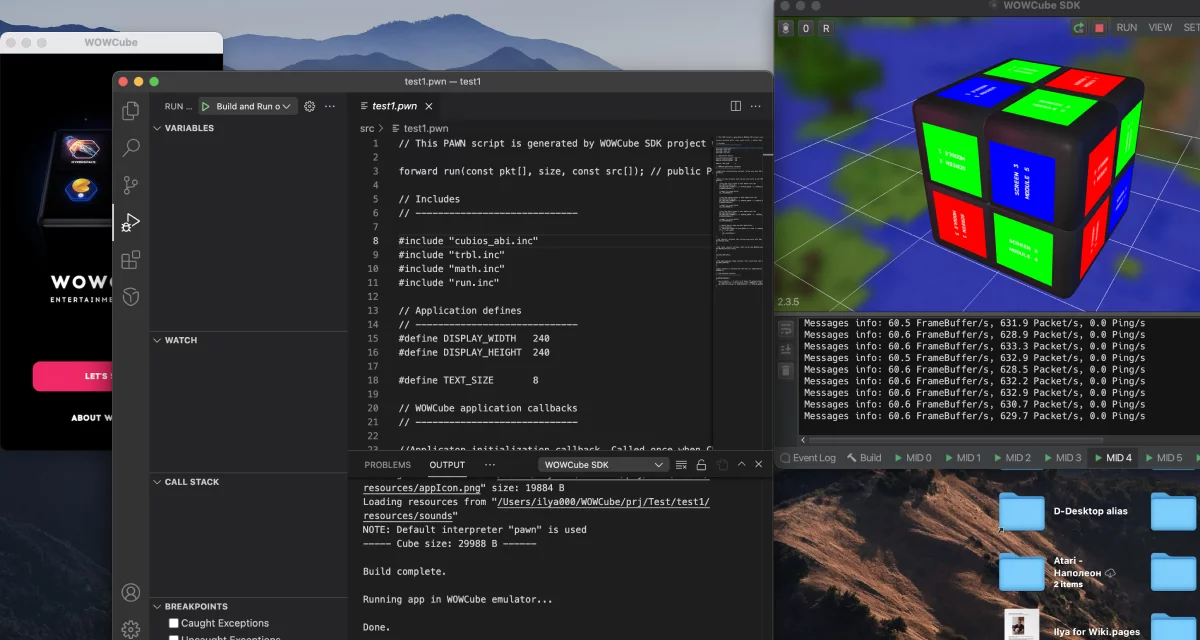
You use PAWN to write game logic, and to program WOWCube® responses to events triggered by the CubiOS operating system on the physical device or by the Emulator. The concept is rather traditional: receive an event, handle it, and then visualize the result in the game, or perform some other hidden actions.
Let me also mention that support for WASM and LLVM technologies is planned for the upcoming releases of the Development Kit. Some applications for WOWCube® Entertainment System are already written in С, С++ and RUST; they get compiled into an executable bytecode compatible with CubiOS operating system. At the moment, these features are in alpha stage of development, but you will see them as part of the WOWCube Development Kit in the nearest feature.
System Requirements
WINDOWS
Microsoft Windows 10 or later
1 GB of free RAM (2 GB recommended)
Any modern x86-64 quad-core CPU with 3.60 GHz base clock
1 GB hard disk space (SSD recommended)
Intel UHD Graphics 630
Bluetooth 4.0 (required for uploading of cubeapp files to WOWCube® device)
macOS
macOS 10.12 or later
1 GB of free RAM (2 GB recommended)
CPU 3.6GHz quad-core Intel Core i3
1 GB hard disk space (SSD recommended)
Intel UHD Graphics 630
Bluetooth 4.0 (required for uploading of cubeapp files to WOWCube® device)
WOWCube® Development Kit is Now Available
Now, the WOWCube® Development Kit is available for downloading from https://wowcube.com/devkit
Just provide your email address to request early access to the tool.
With the WOWCube® Development Kit, you will be able to create applications for the WOWCube® Entertainment System even without having a physical device in your hands. Once approved by Cubios Team, your application could be published to the WOWCube® store and monetized.
Our team will support you and answer all questions. Send your emails on
[email protected]
Good luck!
Your
WOWCube® Development Kit team
Useful Links
https://www.compuphase.com/pawn/pawn.htm